Your wedding in one clear view.
Tasks, guests, budget, the programme, photographs and your wedding website in one organised space.
Eva & Jan
- Book the venue
- Book the photographer
- Coming
- 96
- Left in the budget
- CZK 78,400

Everything in one place
Your wedding plan
Not just another planner. Your whole wedding, A to Z – budget, guests, the day's programme, your wedding website and the evening's games. And an AI assistant to help with all of it. Start with whatever is on your mind.
- PlanningBudget, Vendors, Documents
- GuestsSeating, Accommodation, Transport, Gifts
- The dayTimeline, Menu, Music, Running order, Contacts
- In the roomPhotos, Voice book, The screen, Quizzes & games, QR codes
- Web and printWedding website, Print, Wedding newspaper, Children's corner
- More modules
Small things make the big day
- Start free
- No card and no commitment. The free tier opens every module and lets you try the essentials. Paid tiers raise limits and add advanced options.
- Your data stays in the EU
- Your photographs and everything else are stored in the European Union. You reach them, and so do the people you give access to.
- Guests need no account
- The link from the invitation is enough. They can confirm simply, without signing up.
- You start in a few minutes
- Enter the names, the date and the place. Everything else can follow later.
The product
Everything around the wedding, clearly in one place
Whether you are dealing with guests, the budget, the programme or the website, it is all part of one wedding.
The start
Tell us a little about your wedding
At the start we ask only a few simple questions. How many guests you expect, when the wedding is and how far along the preparations are. From that we prepare a starting point for you to build on.
Let us begin
- How many guests do you expect?50 to 100
- How far along are you?Well under way
- Which style do you like?Romantic
And then you just plan
- PlanningAn overview of what needs arrangingReady
- BudgetA first view of the spending for your weddingReady
- TimelineA draft programme for the wedding dayReady
- Wedding websiteYour own page for you and your guestsReady
For instance:Book the venueSend the invitationsBuild the seating plan
The address is yours: wedduniverse.cz/eva-a-jan. You can change it whenever you like — and only you ever confirm that.
Wedding website
A website that looks like your wedding
Pick the look you like and shape the rest yourself. Add your own words, photographs, the venue and the programme of the day. Nothing has to look like everyone else’s.
The sections a website is built from
- Opening
- Story
- Countdown
- The day
- Where
- Menu
- Gallery
- Photo band
- Seating plan
- Accommodation
- Transport
- Parking
- Gifts
- Good to know
- Questions
- Contact
- Dress code
Add one, hide one, move one. Not a single one is compulsory.
- Several looks to choose from
- Works on a phone and on a computer
- Everything guests need at one address

Try it on your own wedding
Creating a wedding takes a few minutes. The rest can follow at your own pace.
Create your weddingPhotographs
Your memories. Including the ones you never saw.
Guests take hundreds of photographs during a wedding. Some of them you may never see if everyone sends them somewhere else. With WeddUniverse they can simply add them to your shared album.
The day itself
Wedding photographs straight onto the screen
Guests can add photographs to your album during the wedding, and you can put them on a television through the evening. Scanning a QR code is all it takes for a picture to appear in the shared gallery moments later.
Code for the telephone remote: K7QM2P
- You photograph something worth sharing
- You scan the QR code and add the picture — with no account
- The photograph appears in the shared gallery
- And it can go straight onto the screen
How would you like to watch?
- Scan a QR codeAlways works — open the link on the device at the television.
- AirPlayMirror this screen to an Apple TV.
- Cast to TVA Chromecast or a television with Google Cast.
A television, AirPlay or Chromecast all work.
It does not end with the wedding
The preparations take months. The day itself goes by astonishingly fast. WeddUniverse helps you get it all ready, and then keep what is left afterwards — the photographs, the memories and your own wedding website.
Worth knowing before you start
- The budget is yours alone
- A coordinator sees guests, the schedule, the seating and the photos. Not your numbers.
- Publish when you are ready
- The website is hidden from search engines by default, and an unpublished one is not there to find.
- Two of you can plan, or three
- Invite your partner, and from Wedding upwards your coordinator too. Everyone signs in as themselves.
- The photographs stay after the day
- Seven days on Free, three months on Plan and Wedding, six on The Day — even if the subscription has ended. We email you before deletion.
Coming soon
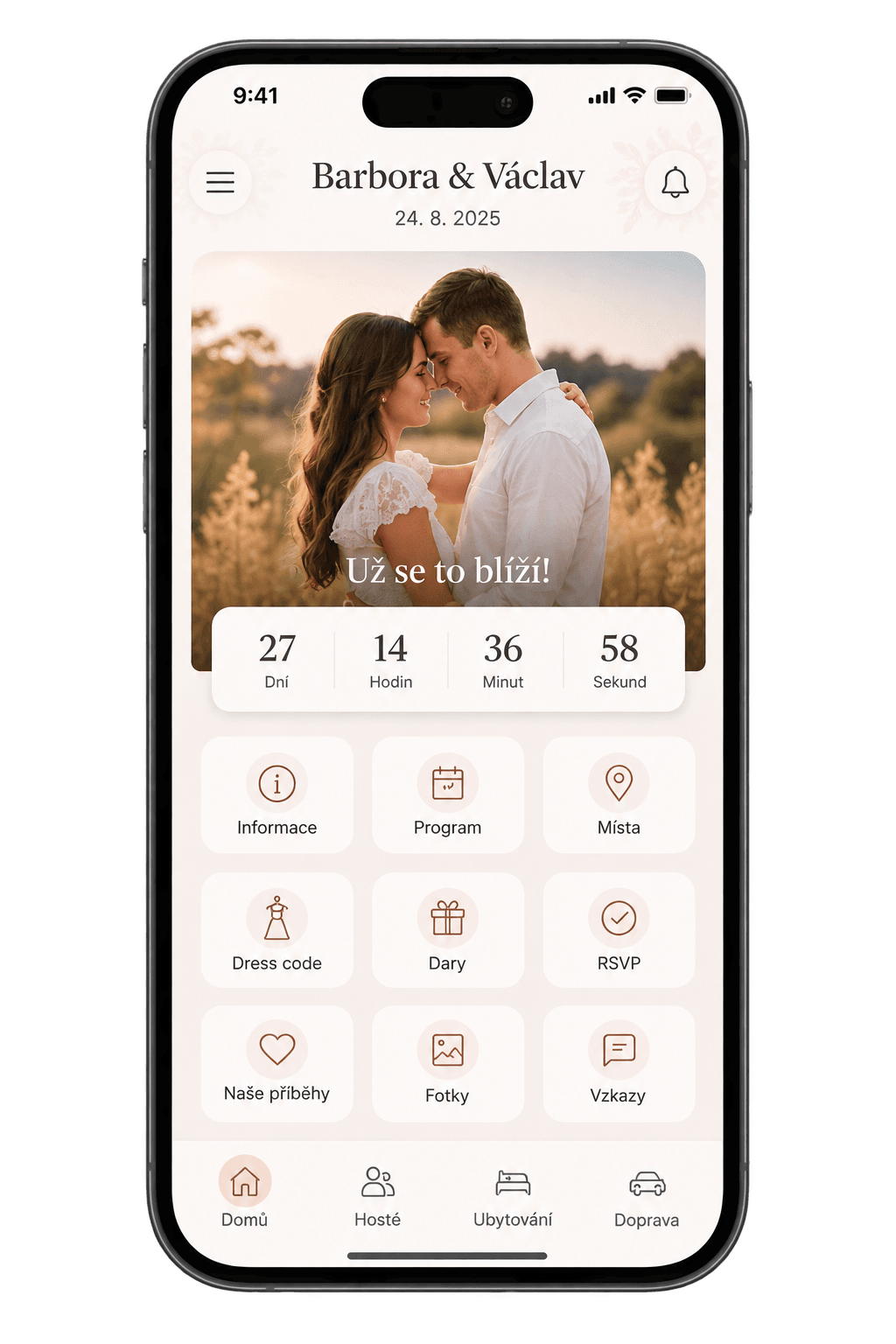
A mobile app is on the way
For now WeddUniverse runs in your browser — just as well on a phone as on a laptop. The mobile app comes later.
Frequently asked questions
What does it cost?
The free plan opens every module with smaller limits: ten guests, two tables, five programme entries, about 55 photographs, one quiz for ten players and fifteen assistant answers a month. Paid tiers raise those limits and add advanced options; the full comparison is on the pricing page.
Do guests need an account?
No. They reply straight from the link in their invitation. An account is only needed if they want to come back to the details later.
Can strangers see our website?
Only if you want them to. Your site is hidden from search engines by default, and nobody can see an unpublished site.
Can we change our web address later?
Yes. You always confirm the change — we never make it for you. The old address stops working, so it's worth choosing before you send it out.
What happens to our data after the wedding?
Your space stays. We keep the photographs for three months after the wedding, six on The Day and seven days on the free tier, even if the subscription has ended by then. We email you before deletion so there is time to download them.
Is our data safe?
Yes. Data is stored in the European Union, private information is never publicly available, and only the people you invite can reach your wedding.
Start planning your wedding
Creating a wedding takes a few minutes. Nothing has to be decided — start with what you know and fill in the rest later.
Your wedding
Start free, with no card. Free opens every module with smaller limits; paid plans raise those limits and add advanced options.
@svatebnitipy
Inspiration for your big day.
Ideas worth saving. Details to fall in love with. Find more wedding inspiration on our Instagram.

Svatební Tipy
@svatebnitipy
Planning, budgets and practical tips for couples getting married.
Follow on Instagram